I first wrote this list of Instagram Story ideas in 2018. Since then swipe-up has gone, a single clip can run a minute, and there are stickers that didn’t exist back then, so I’ve gone through all 33 again for the Stories you can post today.
By 2020 I’d worked with over 3,000 accounts on Instagram and grown my own, @gettinggrowth, to nearly 40,000 followers.
Stories are where your most loyal followers check in, and they don’t need to look perfect. For current numbers on who uses them, see my Instagram statistics.
Key takeaways
- Use Stories to start conversations. Polls, questions, quizzes and the Reveal sticker all ask viewers to do something, and replies land in your DMs.
- Every account can add a link to a Story with the link sticker. Swipe-up and its 10,000-follower minimum are gone.
- Stories disappear after 24 hours. Save the ones new followers should see to Highlights on your profile.
- Mix the five kinds of ideas below through the week. If every Story is a pitch, people stop watching.
What changed in Instagram Stories since 2018
If you last planned Stories a few years ago, these are the changes that matter:
- The link sticker replaced swipe-up. Since October 2021, every account can add a link (opens in new tab) to a Story, except new accounts and accounts that keep breaking the Community Guidelines.
- Clips run up to a minute. Since September 2022, a Story video of up to 60 seconds plays as one clip (opens in new tab) instead of being cut into 15-second pieces. Longer videos are split into several clips (Instagram Help Center (opens in new tab), checked October 2026).
- More stickers. There are quiz, questions, countdown and Add Yours stickers, and in May 2024 Instagram added Reveal, Frames, Cutouts and Add Yours Music (opens in new tab). Instagram’s own guide to Stories (opens in new tab) walks through each one.
- Close Friends. You can share a Story with a list of people you pick (opens in new tab). Only you see the list, and no one can ask to be added.
- IGTV is gone. Instagram shut the IGTV app down in 2022 (opens in new tab). Longer videos are Reels now, and Stories are for the quick, everyday things.
Make every Story count
- Highlights: add your best Stories to Highlights on your profile, such as “Start here”, “Reviews” or “Results”, so they outlast the 24 hours.
- Insights: on a public account, each Story shows its views, viewers and interactions (replies, shares, sticker taps and link taps), and you can look them up for up to two years (Instagram Help Center (opens in new tab), checked October 2026). See which ideas get replies and taps, and post more of those.
- Close Friends: keep a list for your best customers or members, and give them early access or extras.
Instagram Story ideas that start a conversation
Interactive stickers ask viewers to do something small. Every tap or reply tells you what your audience wants, and it’s how followers turn into people you know.
1. Location. Location. Location.
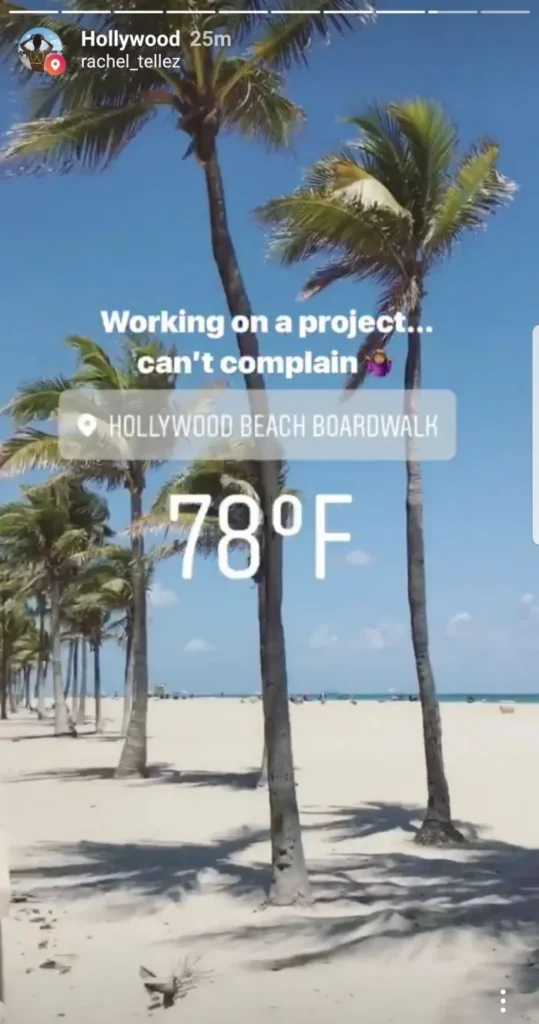
It’s not an accident that this idea landed first. Add a location sticker whenever you post from somewhere: a café, a city, an event, your shop.
Your followers see the Story on the Instagram map, and if your account is public, it may also show up on the map and in Search & Explore for people who don’t follow you yet (Instagram Help Center (opens in new tab), checked October 2026). More views, more followers.
Easy enough.
It also tells your followers something about you without a word. A Story from the same coffee shop every Monday becomes a small ritual they recognize.
2. Ask a question with a poll (#polltime)
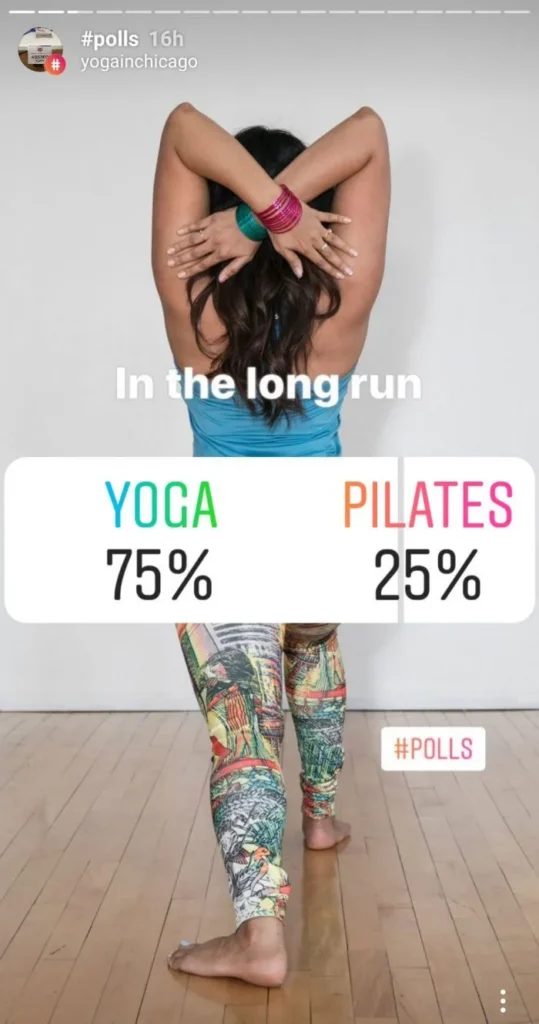
Polls are the easiest Story to answer: one tap and done. And getting someone to do something for you makes them like you a little more, and makes them more likely to do something for you again (#psychology).
The key is a simple question with obvious answers. If you’re in fashion, ask which shirt you should wear today. Blue or red?
The quiz sticker works the same way, with up to four answers and one right one, which makes it good for a quick “test yourself” in your niche.
Share the result the next day. It’s a second Story, and it shows people their vote counted.
3. Host a Q&A with the questions sticker
The questions sticker lets viewers send you as many questions as they like (opens in new tab). Answer the best ones in your next Stories, one per frame, on video if you can.
Run it on the same day every week (“Ask me anything about…”) and you won’t run out of Story ideas again, because your audience writes them for you. The questions also show you what to cover in your posts and products.
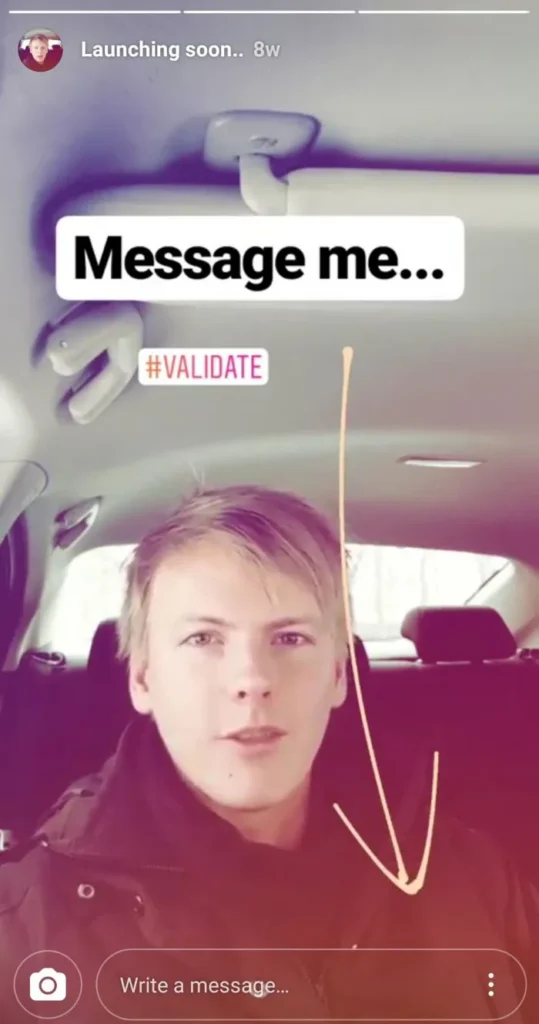
4. Encourage people to message you
A DM is a real conversation, and conversations are where followers become friends, clients and customers. You stop being a random account they followed back in 2016.
So ask for one directly: “Send me ‘checklist’ and I’ll send you the list I use.”
The Reveal sticker, added in May 2024, builds this in: it blurs your Story until a viewer sends you a DM. Use it for something worth the effort, like a discount code, a preview or the answer to yesterday’s quiz.
Be genuinely interested in the people who write to you, and answer them. That’s what social media should be about.
Real relationships.
Once dozens of people reply to the same Story, a DM automation tool that works through Meta’s official API can help. ManyChat has a Story reply trigger (opens in new tab) that sends everyone who replies a DM with the link or file they asked for (checked October 2026).
5. Start an Add Yours chain
The Add Yours sticker starts a public chain (opens in new tab): you set a prompt, followers answer with a Story of their own, and anyone who taps the sticker sees everyone who joined. Pick a prompt your niche can answer with a photo: “Show your desk”, “Your first camera”, “What’s in your gym bag?”.
It does what a branded hashtag used to do in Stories, with less effort for the people taking part.
If you already have a hashtag for your community or a challenge, use it as the prompt. Add Yours Music does the same with songs.
6. Encourage people to turn on post notifications
Followers can tap the bell at the top of your profile and choose what they’re notified about: posts, Stories, Reels and Live videos (opens in new tab) (checked October 2026). Many won’t think of it unless you ask.
So ask your most engaged followers before something they shouldn’t miss, and say why: “Turn on notifications for Thursday’s Live, I’m answering your questions about pricing.”
A Close Friends list is the other way to make your best followers feel close. Share early access, discount codes or a first look with them, and they’ll know those Stories are just for them.
DM automation
Answer every Story reply, even on a busy day
How DM automation turns replies and comments into sign-ups and sales, and why the tool you pick should work through Instagram’s official messaging API.
Story ideas that show who you are and how you work
Your feed shows your best work. Stories show the person behind it, and that’s what makes people trust you enough to buy from you later.
7. Show your mood
Not all days are alike. Stories can be raw and human, so don’t always aim to be perfect.
If you’re in a hurry, just let your audience know what’s going on and why you aren’t sharing much today. If you simply don’t feel like putting something together, it’s perfectly okay to say that too.
It depends on your niche a little. From a fitness coach, I expect constant energy and motivation, so a bad day works better as “here’s how I train when I don’t feel like it”.
8. Have a rant about something
If there’s something you’re passionate about, it will probably make a good Story.
To become an opinion leader, you need opinions. If you sit on the fence about everything and stay “politically correct” all the time, you get boring.
Have an opinion and don’t be afraid to say it out loud. There will always be people who dislike you no matter what you do, and the people who agree will respect you even more for saying it.
Rant about ideas, and leave people out of it.
9. Show off your success
Nobody likes a show-off. Is it okay to show a little?
Of course it is.
If something is going well, a client result, a launch, a milestone, share it. It inspires people and shows them what’s possible.
Find the balance for your niche between showing off and being humble. Sharing how you got there, including what went wrong on the way, keeps it useful rather than smug.
10. Favorites and best of
If you watch YouTube, you’ve seen creators do monthly favorites: a quick run through the products, books, tools or places they loved that month (“April favorites”).
Short clips of your favorites are an easy Story when you’re out of ideas.
To make it effortless, keep a note on your phone during the month and add to it whenever something impresses you. When the new month starts, go through the list and film a clip of each. #theseareafewofmyfavoritethings
11. Unboxing story
Getting something new delivered is exciting, is it not? If you’re excited, your followers will be too.
Film yourself unboxing the gadget, book or tool you ordered.
Is it something for your work? Even better: say briefly how you’ll use it and what it will change.
Once brands start sending you products, say so on screen, and use Instagram’s paid partnership label when you’re paid for the post.
12. Show your work
Are you a designer, photographer, developer, baker, or anyone else who makes something? Good.
Stories are a low-pressure place to show your portfolio, including the pieces that don’t fit your feed.
Start simply: film a quick video about your latest project, or post a photo of the finished piece with one line about what was hard. Save the best ones to a “Work” Highlight.
13. Show how you work
Hey, look! It’s “take your followers to work” day.
If people follow you for who you are and what you do, show them how you do it. Filming while you work feels awkward at first, but the more you practice, the better you get at it.
A tip if your work mostly happens at a desk: put your phone on a small tripod and record a timelapse of your day, then add music before you post it. If other people work with you, give them a turn in your Stories too.
14. Show your workspace
For when showing your work isn’t enough.
Your followers would like to know if your desk is messy or spotless. It says a lot about a person, and a messy desk is no bad thing if you’re the creative type.
Everything is where it should be, right? So don’t tidy up for the camera to be someone you’re not.
Show the setup, the tools you use every day and the view from your window.
15. Show behind the scenes
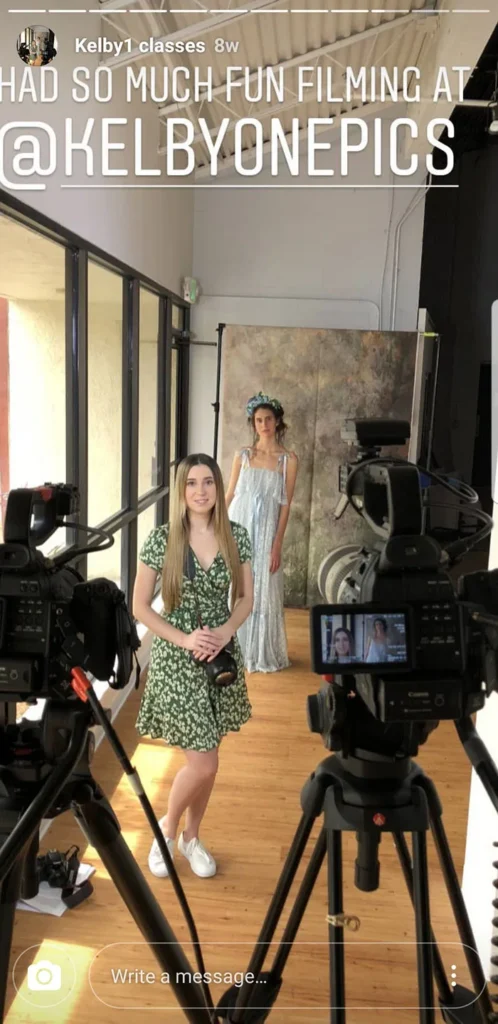
Give your followers a look behind the scenes. Everyone likes to feel like an insider and see how things come together: the photo shoot, the event setup, the first draft of your next course.
Planning a product launch or a new strategy? Share parts of it as you go.
The people who watched it being made are often the first to buy it when it’s ready.
16. Before and afters
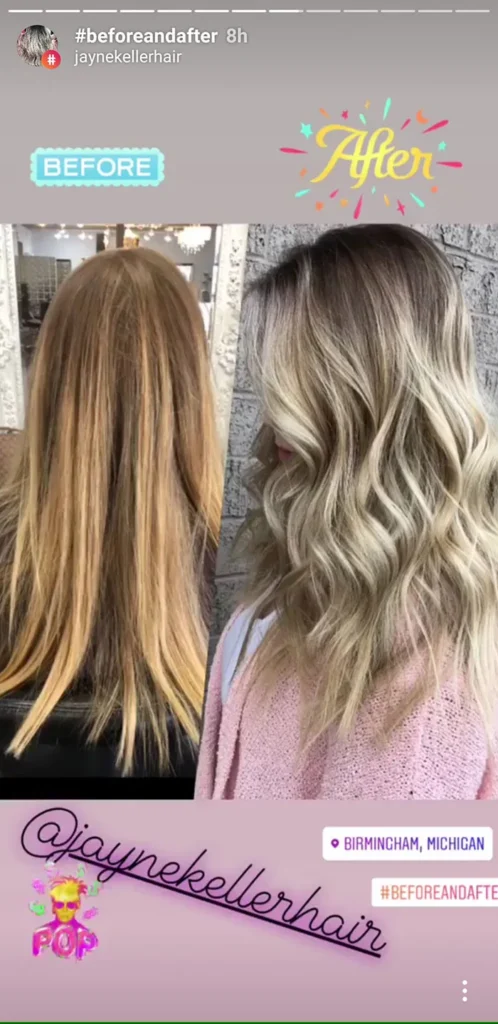
Is your business about transformation of any kind? Fitness trainers, business coaches, designers, hairdressers and renovation companies can all show their work as “before and after”.
It sits nicely between showing your portfolio and sharing customer success stories.
The trick is to plan for it: film plenty before you start working on something, so you have the “before” material when you edit it all together. Ask clients for permission before you show them.
Story ideas that teach something
Teaching your followers keeps them coming back, and it shows you know your field.
17. Guides and tutorials
Turn a common question into a short tutorial across several frames. A fitness coach can walk through a workout or a meal plan. A designer or photographer can show one editing technique, step by step.
If you can’t think of anything interesting to teach, ask your audience what they’re struggling with (idea 3 does that for you) and see where you can help. Save your best tutorials to a Highlight, so new followers find them on your profile.
18. Tips and tricks
This one is like the last, but shorter. A tutorial won’t fit on one Story frame, but a tip can, and should.
Try a “Tip of the day”: one simple thing to try today, at the same time each day. Follow it with a quiz sticker the next day to see who remembered.
It keeps your audience engaged, and they’ll look forward to your Stories.
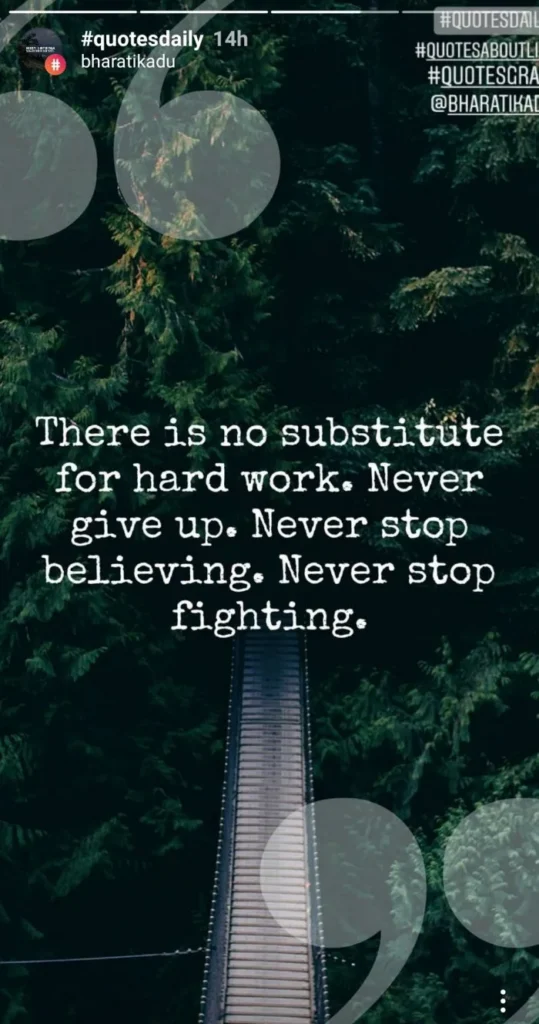
19. Post quotes
Nothing beats a motivational quote in the morning from an account you follow, right? If your account isn’t about quotes, Stories are the right place for them: they don’t mess up the style of your feed.
You can design quote graphics in Canva (opens in new tab) or Adobe Express (opens in new tab) (formerly Adobe Spark), both with free plans and Story-sized templates. Always credit the person you’re quoting, and check the quote is really theirs.
20. Use graphics for simple messages
This goes along with the last idea. Not every message needs a video: text on a background does the job just as well.
You can fill a Story’s background with one color (pick a color with the draw tool, then tap and hold the screen) and type on top, which makes it quick to share an insight, a reminder or a simple “Good morning”. Instagram’s Stories guide (opens in new tab) shows how.
Keep it short enough to read in the few seconds a Story stays on screen, and use large text for people watching on small phones.
21. Create wallpapers
Once you’re comfortable with design tools, make phone wallpapers your followers can save. If you didn’t get that good at design, hire a freelancer to make a set in your niche.
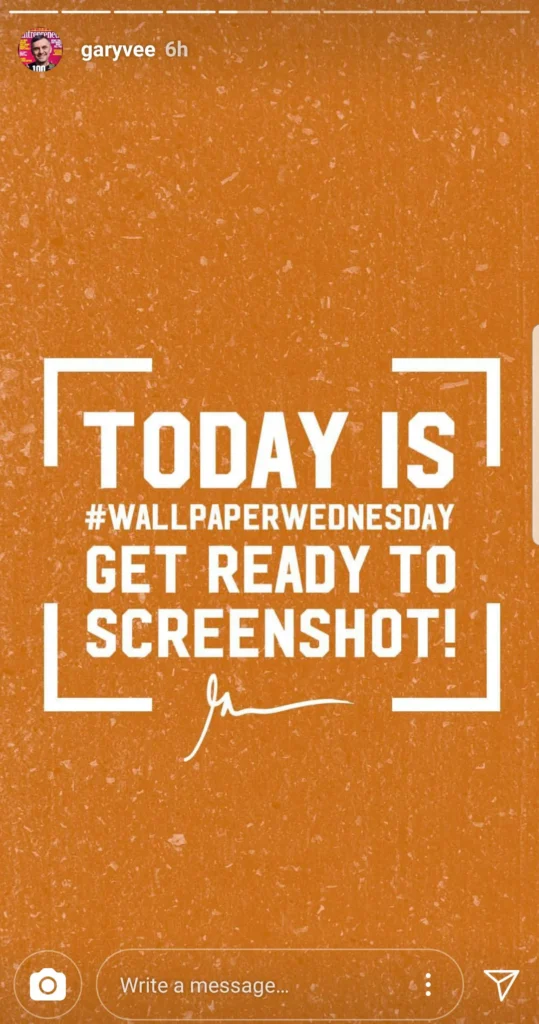
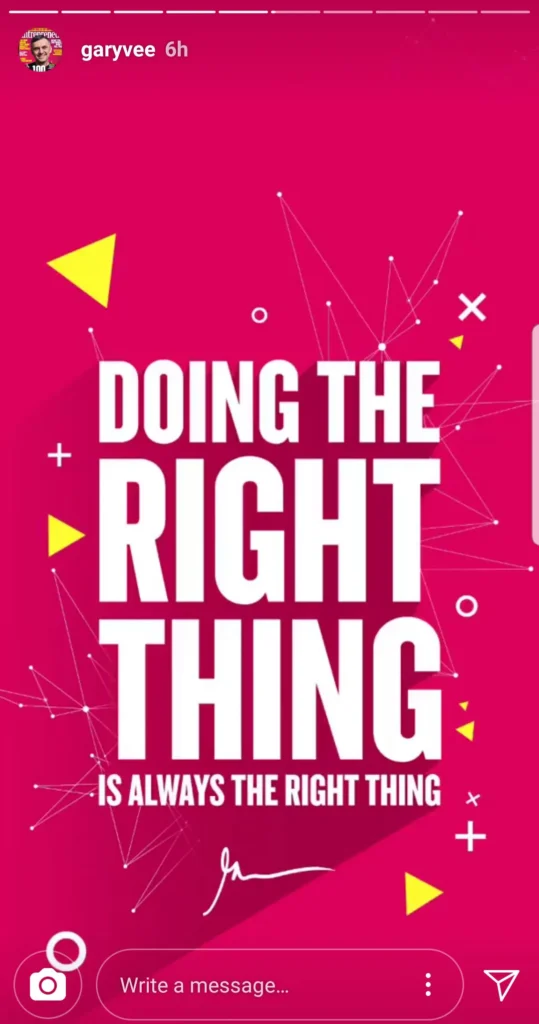
People love wallpapers, and they’re a good branding channel: every time someone picks up their phone, they see your work. @garyvee (opens in new tab) made this a weekly habit with “Wallpaper Wednesday”.
A few things to get right:
- Keep the wallpaper itself clean, with no text added on top, since people will screenshot it.
- Leave space around the edges, because people crop out the top, bottom and a little of the sides.
- Post it in two frames: the first says “Get ready to screenshot”, the second is the wallpaper.
- Or upload a full-resolution version to a shared folder and add a link sticker to it.
Story ideas that promote and sell
Stories are a good place to sell, as long as you sell less often than you share and teach. These ideas work best in the gaps between the ones above.
22. Teasers
Planning a product launch? That’s awesome.
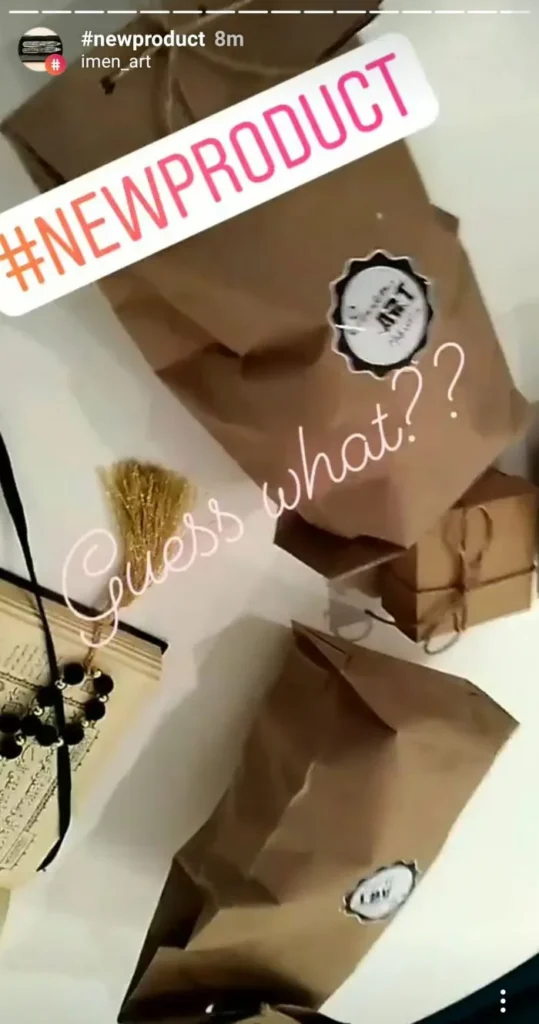
Teasers warm up your audience before it starts. Show the packaging, a detail, a blurred preview or the first five seconds of the video, and use both photos and video.
Add a countdown sticker to the launch date. Followers can tap it to get a reminder, and they’re notified when the countdown ends, right when your product goes live.
23. Promote your product
This is pretty obvious, but if you have a product or a service, promote it in your Stories. Show the product from different angles and film short videos of how to use it.
If you sell a service, make short videos about what you do and why it matters to your customers. Be very clear about what they get out of it, and don’t just list the features.
Add a link sticker to the page where they can buy or book.
24. Product reviews
It doesn’t really matter if you run a personal account or a brand account: product reviews make a great Story idea. Give your honest opinion on video, or write out the pros and cons on a background.
Reviews stay relevant for a while, so save them to a “Reviews” Highlight. Tag the brand: there’s a chance they’ll see it and share it.
Keep it honest, and if the brand paid you or sent the product for free, say so.
25. Success stories
If you work with clients, or your product solves a problem for your customers, feature that social proof in your Stories.
Screenshots of real feedback look authentic, but ask before you share a message, and hide names and profile photos unless the person agrees to be shown. You can go the extra mile and ask happy customers for a short video testimonial to post as a Story, then keep the best ones in a Highlight.
26. Link to your latest article (swipe up is now the link sticker)
Swipe-up used to be limited to accounts with 10,000 followers. Its replacement, the link sticker, works for everyone.
It’s ideal for sending readers to your latest blog post, video or newsletter issue, and of course to your product page or a giveaway.
Give the sticker context: show the problem or the result in one or two frames first, then the frame with the link, and change the sticker text to say what people get (“Read the full packing list”). My guide to Instagram for bloggers covers link stickers, bio links and tracking the clicks.
27. Promote your latest post
If you post to your feed less often, use Stories to make sure people see each new post. Share your latest post or Reel to your Story with the paper-plane button, then cover part of it with a sticker or text (“New: the full list is in my latest post”) so people tap through to see it all.
Viewers who tap land on the post itself, and from there on your profile, so make sure your bio does its job. Here’s how to write the perfect Instagram bio.
28. Promote your other channels
Reality check: Instagram isn’t the only platform out there, and you don’t own your followers on it. Mention your other channels now and then, even the ones where you’re not very active yet: your YouTube channel, podcast, newsletter or broadcast channel.
The one that matters most is your email list. An algorithm change can’t take it away, and it’s how you reach followers when Instagram doesn’t show them your posts.
Creator growth
Turn Story viewers into email subscribers
How to send people from your Stories to your blog or newsletter with link stickers, bio links and comment-to-DM, and how to measure what works.
29. Promote giveaways
A giveaway can bring a burst of new followers in a few days. You can host one alone, but it reaches more people if you team up with an account in your niche and announce it in a collab post that appears on both profiles.
Post a Story when the giveaway starts, with a link sticker to the entry page, and keep it in your Highlights until the winner is announced. Pick a prize only your ideal followers want; gift cards and phones tend to bring followers who leave the day it ends.
For the entry form and the winner draw there’s Gleam: it checks each entry with the platform before counting it, can pick a random winner, and you can start for free (checked October 2026).
Watch out
Instagram has its own rules for promotions (opens in new tab) (checked October 2026).
You’re responsible for the official rules and who can enter, every entrant has to release Instagram, you have to say the giveaway isn’t sponsored, endorsed or run by Instagram, and you can’t ask people to tag themselves in photos they’re not in. Local laws on contests and prizes apply too.
Video, Live and collaboration Story ideas
Video takes more effort, but it’s where you stand out most, and working with other creators puts you in front of their followers.
30. Edit epic short videos
If you really want to stand out, level up your Story editing. Almost everybody and their dog posts the same unedited clips, so a Story with good cuts, captions and sound gets noticed.
It takes skill and time, or money to outsource it.
You can start with Instagram’s own editing app, Edits (opens in new tab), which launched in April 2025. It cuts clips, generates captions and adds music and text. Share the result to Instagram as a Reel, or save it to your camera roll and post it as a Story (Instagram Help Center (opens in new tab), checked October 2026).
31. Edit less epic videos (simply add music)
Don’t want to go all out on editing? Simply adding music to your videos adds a lot.
Film short clips with your phone during the day, then put the best ones together on your commute (not while driving yourself) and add a song with the music sticker.
One thing to check: some business accounts don’t get Instagram’s licensed music library, because it’s meant for personal, non-commercial use (Meta Business Help Center (opens in new tab), checked October 2026). If a song isn’t there, Meta’s Sound Collection has more than 14,000 royalty-free tracks you can use in Stories, under the same music sticker.
32. Do shoutouts
Yes, shoutouts still work on Instagram. They’re a good way to build relationships with people you like who share content similar to yours, and Stories are the right place for them, because a shoutout doesn’t have to look polished.
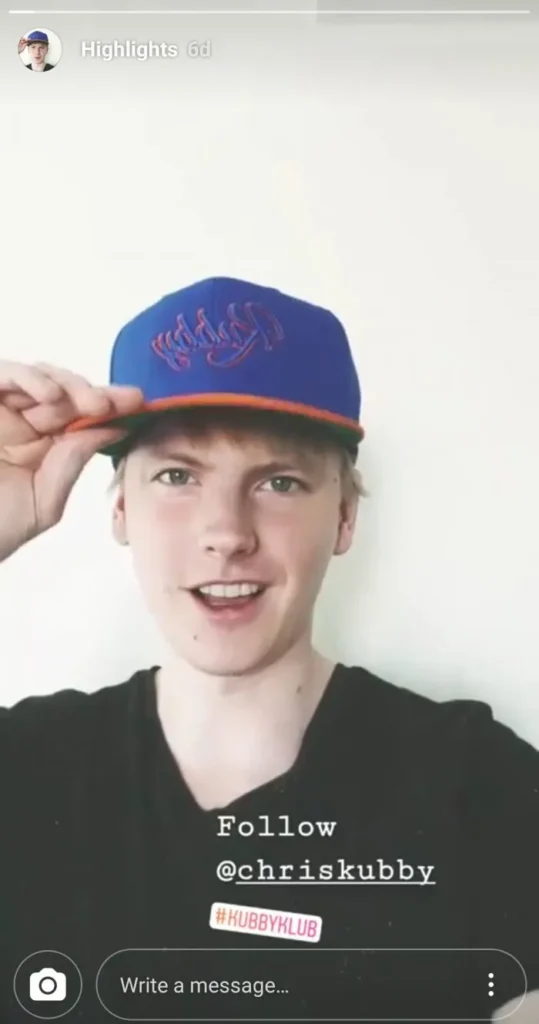
Mention the account with the mention sticker, say in one line why your followers should follow them, and they can share your Story to theirs. More on how to do it well in my guide to Instagram shoutouts.
33. Go live
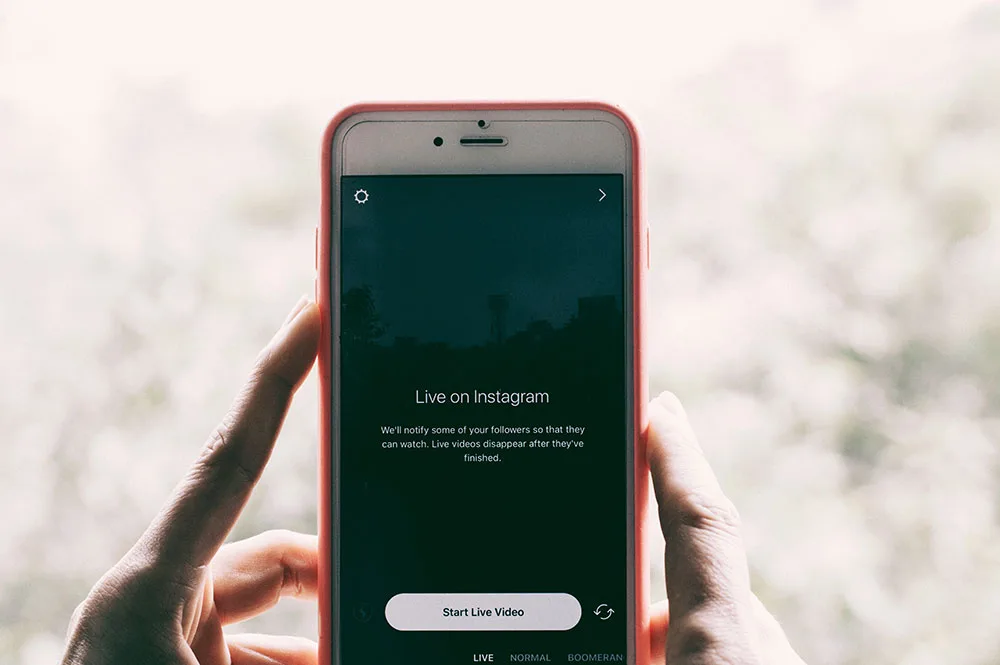
Live video is the closest you get to a real conversation with your followers. You need a public account with at least 1,000 followers (opens in new tab) to start one (checked October 2026).
Pick a regular time, daily or weekly, and announce it in your Stories beforehand with a countdown sticker so people get a reminder.
Don’t stress if only 10 or 20 people join at first.
A good start is to go live together with someone in your niche: Instagram lets you invite up to three guests (opens in new tab) to a Live (they have to follow you), and their followers get to know you too. Let your guest take the lead, and answer questions from the comments as you go.
Looking for more ways to grow? Read how to become famous on Instagram, and once your audience grows, how to make money on Instagram. For the tools behind it, see my free tools and data and the other creator growth guides.
Instagram Story ideas: frequently asked questions
What should I post on my Instagram Story?
Mix a few kinds of Stories through the week: something that asks for a reply (a poll, a question or a quiz), something personal or from behind the scenes, a quick tip, and now and then a promotion with a link sticker. If you’re stuck, ask your followers what they want to see with the questions sticker.
How often should I post Instagram Stories?
There’s no official number. Post when you have something worth a tap, ideally on most days, and check your Story insights: if each frame gets fewer views than the one before, post fewer frames.
How long can an Instagram Story be?
One Story video can run up to 60 seconds as a single clip, and you can post several Stories in a row. Each one disappears after 24 hours unless you add it to a Highlight on your profile.
Can anyone add a link to an Instagram Story?
Yes. Since October 2021 every account can use the link sticker, whatever its size. Only new accounts and accounts that repeatedly break Instagram’s Community Guidelines can’t.
What are good Instagram Story ideas for a business?
Product demos, teasers with a countdown sticker, behind-the-scenes clips, customer success stories (with permission), weekly Q&As and a link sticker to your shop or booking page. Save the best ones to Highlights so new visitors see them on your profile.